
Smart Home Gadgets That Actually Cut Your Energy Bills
Stop wasting money on phantom power and inefficient heating. These smart devices pay for themselves within months.
Written by Maria Dillon
•10 min read readGrandmother, maker, and practical tech reviewer. I help families (and their pets!) find budget-friendly gadgets that solve real problems. Every product is tested with decades of hands-on experience and a maker's eye for quality.
Related Articles
Affiliate Disclosure: This post contains affiliate links. If you make a purchase through these links, we may earn a commission at no additional cost to you. We only recommend products we believe will add value to our readers. Learn more
My electricity bill dropped by $47/month after installing just three smart home devices. No solar panels, no major renovations—just strategic upgrades that automatically optimize energy usage. Over a year, that's $564 saved, and the devices cost less than $200 total.
The key is choosing smart home gadgets that target your biggest energy wasters. For most homes, that's heating/cooling, always-on devices, and inefficient lighting. Here are the devices that deliver real, measurable savings.
Quick Picks – Best Energy-Saving Smart Gadgets
Quick Comparison Table
| Product | Key Feature | Price Range | Amazon Link |
|---|---|---|---|
| Kasa Smart Plug (4-Pack) | Energy monitoring + scheduling | $25–$35 | View on Amazon |
| Google Nest Thermostat | Auto-schedule + home/away assist | $110–$140 | View on Amazon |
| Emporia Vue 3 Monitor | 16 circuit sensors + solar tracking | $180–$220 | View on Amazon |
| Kasa Smart LED Bulbs (4-Pack) | Full color + voice control | $25–$35 | View on Amazon |
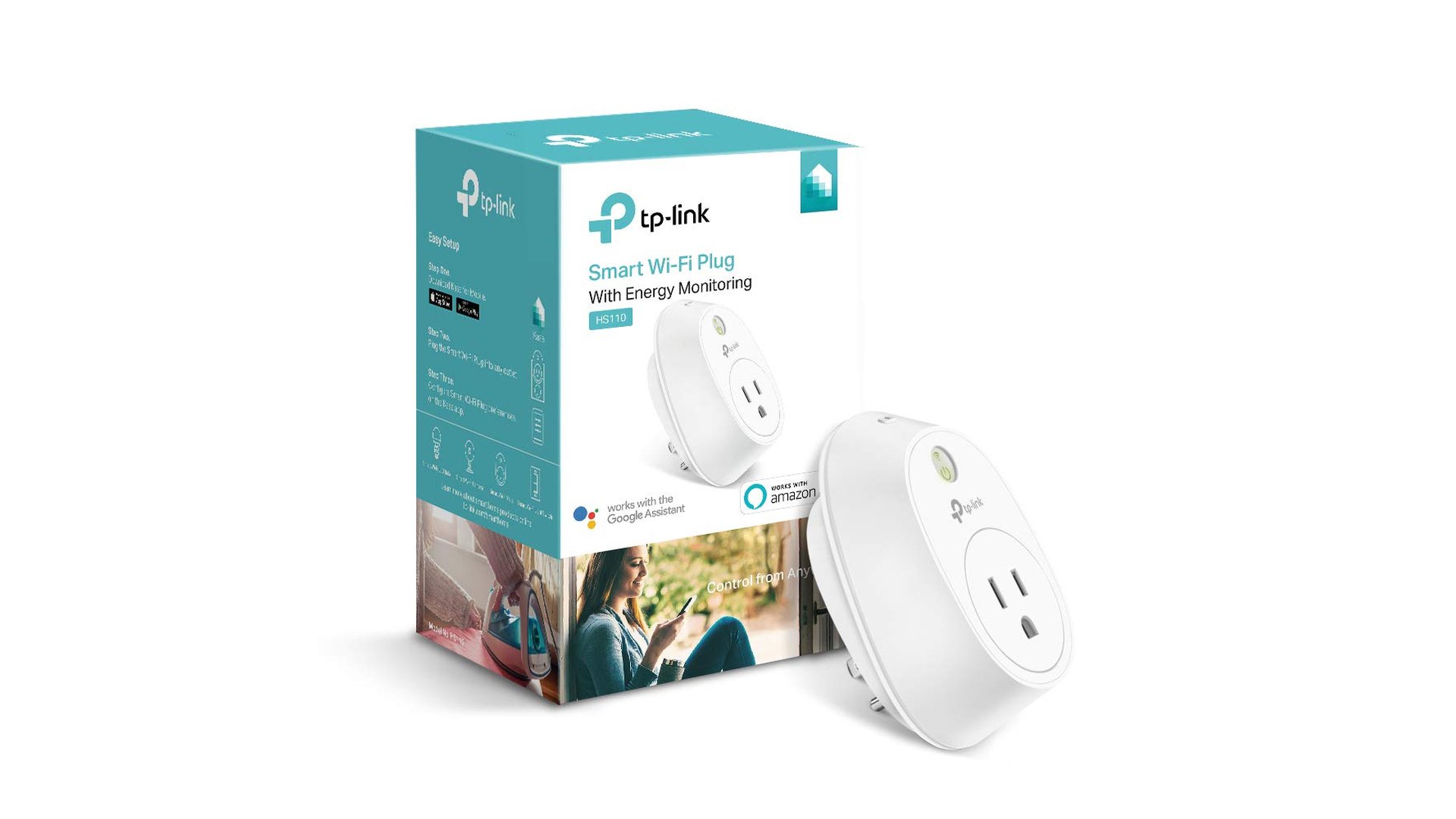
Kasa Smart Plug (4-Pack) - Kill Phantom Power
Phantom power (devices drawing electricity when "off") costs the average home $100-200 per year. These smart plugs with energy monitoring let you identify and eliminate energy vampires. Set schedules so devices completely power off when not in use.
💡 Best Uses:
Coffee makers, TV entertainment centers, phone chargers, space heaters, window AC units. Use one plug per "always on" outlet to stop phantom draw.
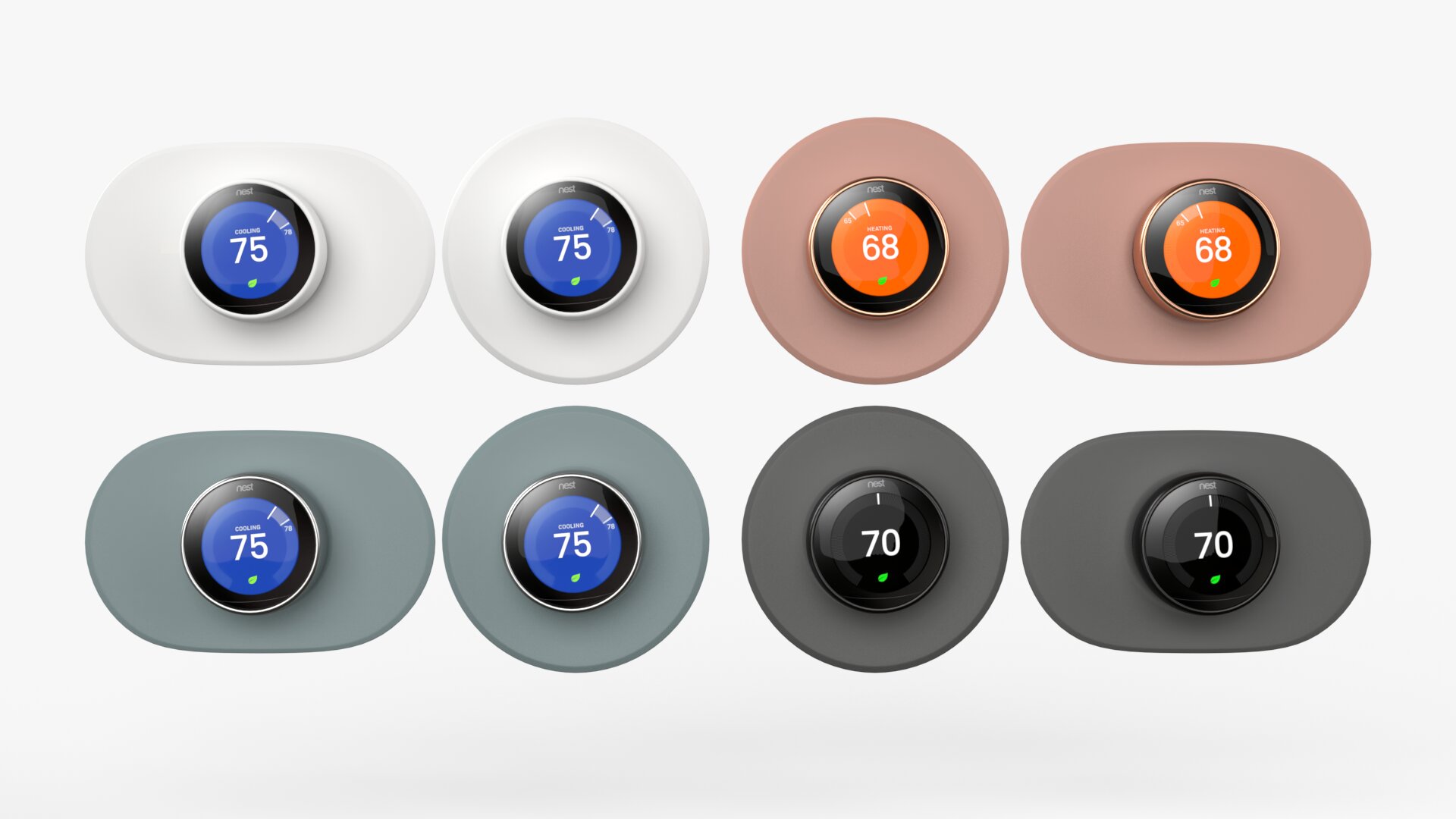
Google Nest Thermostat - Biggest Impact
Heating and cooling accounts for nearly 50% of home energy use. The Nest learns your schedule and automatically adjusts temperatures to save energy without sacrificing comfort. Google claims an average savings of 10-12% on heating and 15% on cooling.
- ✓Auto-Schedule: Learns your routine and creates a custom schedule
- ✓Home/Away Assist: Automatically adjusts when you leave
- ✓Energy History: See exactly where your money goes
- ✓Savings Finder: Suggests schedule adjustments to save more
💰 Real Savings:
On a $150/month heating/cooling bill, 12% savings = $18/month or $216/year. The thermostat pays for itself in 7 months. Many utility companies offer rebates too!
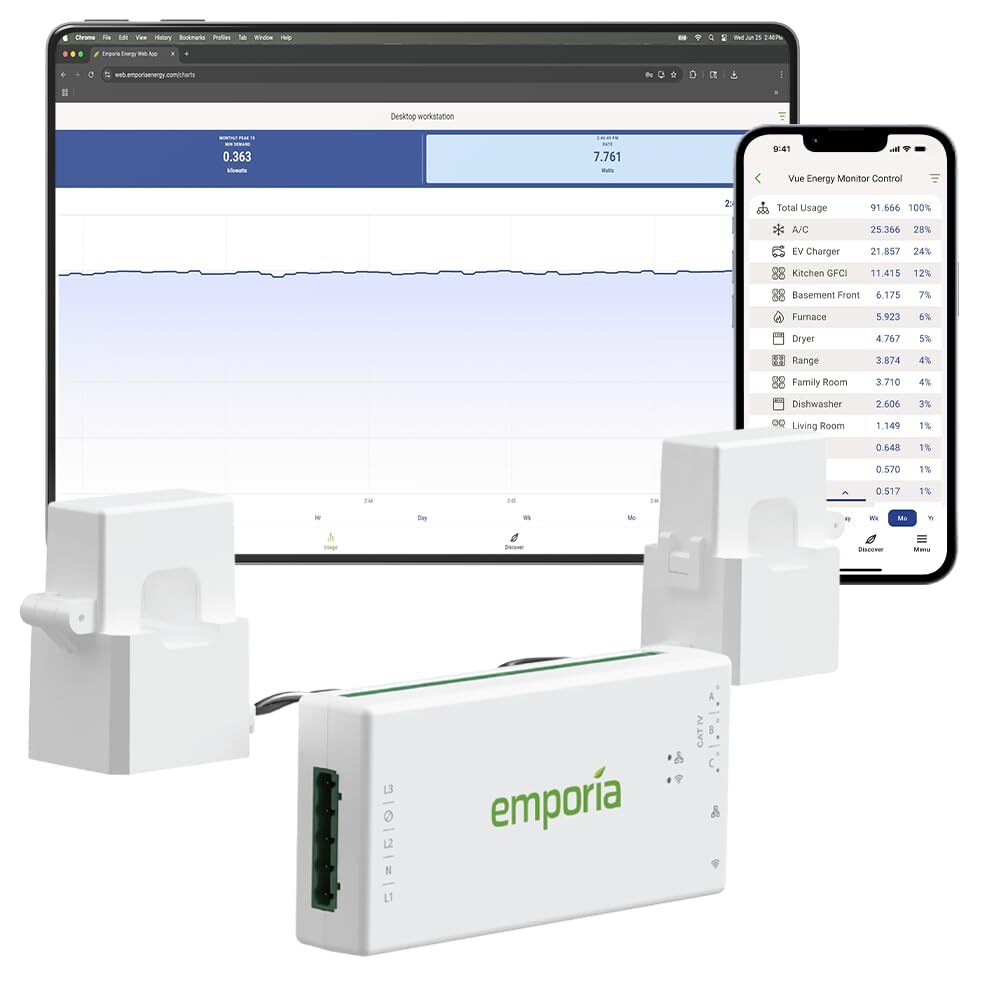
Emporia Vue 3 Energy Monitor - Know Your Usage
You can't reduce what you can't measure. The Vue 3 is Emporia's latest whole-home energy monitor—it installs in your breaker box and shows real-time electricity usage for your entire home plus up to 16 individual circuits. It's like having a window into your electric meter with circuit-level precision.
- ✓16 Circuit Sensors Included: Monitor individual circuits out of the box
- ✓Real-Time Data: See costs update every second in the app
- ✓Solar Panel Tracking: Monitor production and net usage
- ✓Historical Analysis: Compare usage over days, weeks, months
⚠️ Installation Note:
Requires installation in your electrical panel. Many people DIY it, but hiring an electrician ($100-200) ensures it's done safely and correctly. The Vue 3 includes all 16 sensors—no add-ons needed.
👉 Check Latest Price on Amazon
Emporia Vue 3 Energy Monitor • Price Range: $180–$220
See Current Price →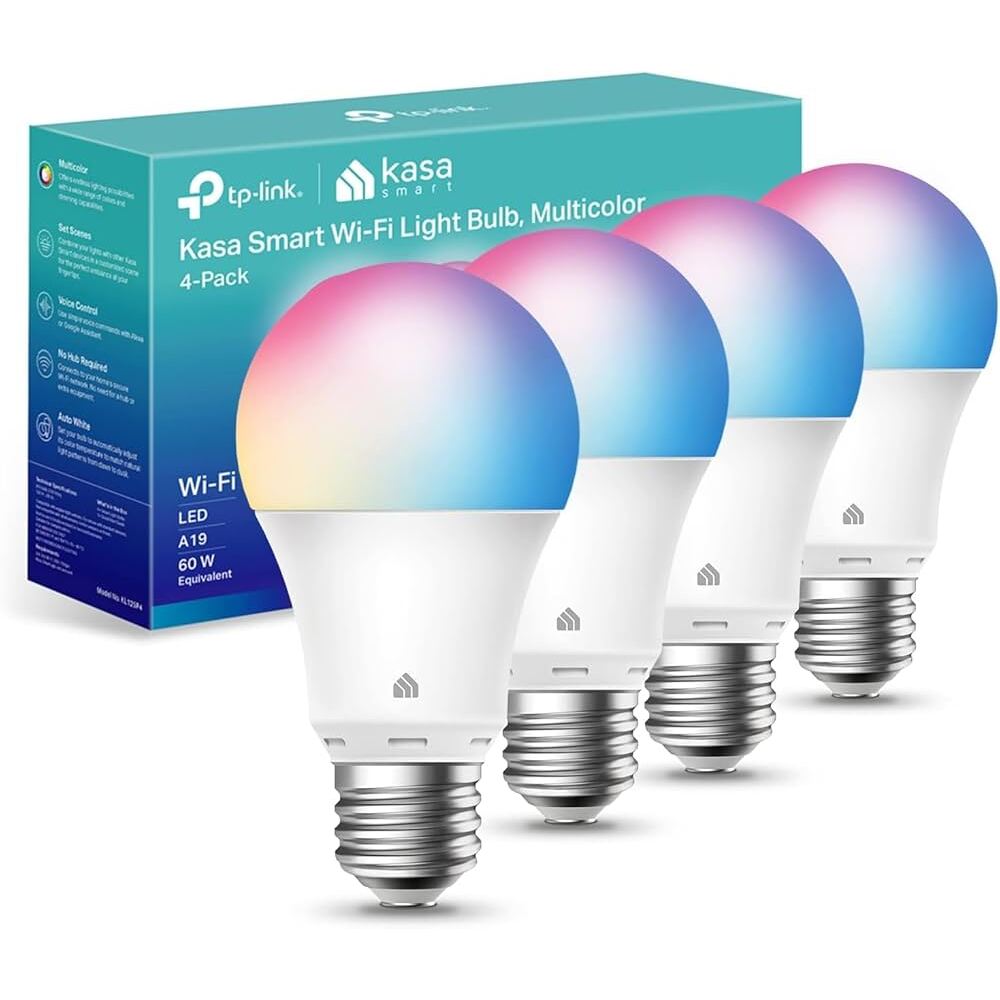
Kasa Smart Light Bulbs Full Color (4-Pack)
LED bulbs use 75% less energy than incandescent bulbs and last 25x longer. These full-color smart bulbs add scheduling, dimming, and 16 million colors—so lights are never left on unnecessarily and you can set the perfect mood. Works with Alexa and Google Home.
- ✓Full Color: 16 million colors + tunable white
- ✓Scheduling: Auto on/off based on your routine
- ✓Dimming: Use even less energy with brightness control
- ✓25,000 Hour Lifespan: 22+ years at 3 hours/day
👉 Check Latest Price on Amazon
Kasa Smart LED Bulbs (4-Pack) • Price Range: $25–$35
See Current Price →💰 Your Total Potential Savings
Initial Investment:
- Kasa Smart Plugs (4-pack): $30
- Google Nest Thermostat: $112
- Emporia Vue 3 Energy Monitor: $200
- Kasa Smart LED Bulbs (4-pack): $30
- Total: $372
Monthly Savings:
- Smart Plugs (phantom power): ~$12
- Smart Thermostat: ~$18
- Energy Monitor (behavioral): ~$10
- LED Bulbs: ~$8
- Total: ~$48/month
- Pays for itself in under 8 months!
Getting Started: My 3-Step Plan
Step 1: Start with Smart Plugs (Week 1)
Install smart plugs on your biggest energy users. Use the energy monitoring feature to identify which devices draw the most power. You'll see results immediately and learn where else to focus.
Step 2: Upgrade Your Thermostat (Week 2-3)
This has the biggest impact on your bill. Most people can install it themselves in 30 minutes with a YouTube tutorial. If you're not comfortable with electrical work, hire a professional.
Step 3: Replace Your Bulbs & Monitor (Month 2)
Replace the 5 bulbs you use most with smart LEDs. Then install the whole-home monitor to see your total progress and find any remaining energy waste. Watch your bill drop month after month.
The Best Part: It's Automatic
Once you set up these devices, they work automatically. No behavior changes required (though you'll probably make some once you see the data). Your home becomes more efficient without you thinking about it.
After 6 months, you'll have saved enough to cover the cost of all the devices. After that, it's pure savings—potentially $500+ per year for the life of the devices.
How We Chose These Products
Every smart home device in this guide was carefully selected based on the following criteria:
What to Look for Before Buying
Smart Home Platform Compatibility
Ensure devices work with your existing smart home setup—Alexa, Google Home, Apple HomeKit, or others. Mixing incompatible platforms creates frustration and limits automation possibilities.
Actual Energy Savings Potential
Calculate realistic savings before purchasing. Smart thermostats save significantly in extreme climates but less in mild areas. Smart plugs help identify vampire loads but don't reduce them automatically.
Installation Requirements
Some energy-saving devices require professional installation or electrical knowledge. Smart thermostats may need a C-wire. Whole-home energy monitors often require breaker panel access. Know your DIY comfort level.
Data & Privacy Considerations
Smart energy devices collect detailed usage data. Review privacy policies to understand what's collected, stored, and potentially shared. Local processing options provide better privacy than cloud-dependent devices.
Frequently Asked Questions
How much can smart home devices really save on electricity?
Based on real-world data, a smart thermostat alone can save 10–15% on heating/cooling (roughly $15–$25/month). Combined with smart plugs to eliminate phantom power and LED bulbs, most households see $40–$60 monthly savings—meaning these devices pay for themselves in 6–8 months.
Do I need a hub to use these smart devices?
No hub required! All the products in this guide connect directly to your home WiFi and work with smartphone apps. They're also compatible with voice assistants like Alexa and Google Home if you want hands-free control.
Can I install a smart thermostat myself?
Yes, most people can install a smart thermostat in 30–45 minutes with basic tools. The Nest includes step-by-step instructions and compatibility checking. However, if you have a complex HVAC system or aren't comfortable with wiring, hiring an electrician ($75–$150) is a smart investment.
Are energy monitors worth it if I already have smart plugs?
Absolutely. Smart plugs only monitor individual outlets, while the Emporia Vue 3 tracks your entire home at the circuit level. This reveals hidden energy hogs like old refrigerators, water heaters, and HVAC systems that smart plugs can't control. Many users discover 10–20% more savings opportunities.
Looking for more ways to save on home tech? Check out our guide to Best Robot Vacuums Under $200 for affordable home automation that saves time and energy.